
Your AI recognizes lunch.
Can you trust its
calorie count?
A detailed answer is easy to believe. A useful food estimate takes more work. We put 12 models through our scanning workflow to find out where that work matters.
Real photos from the benchmark
Three of the nine Wikimedia Commons images we used. Every model received the same photo set. These are public reference photos with visually estimated portions.
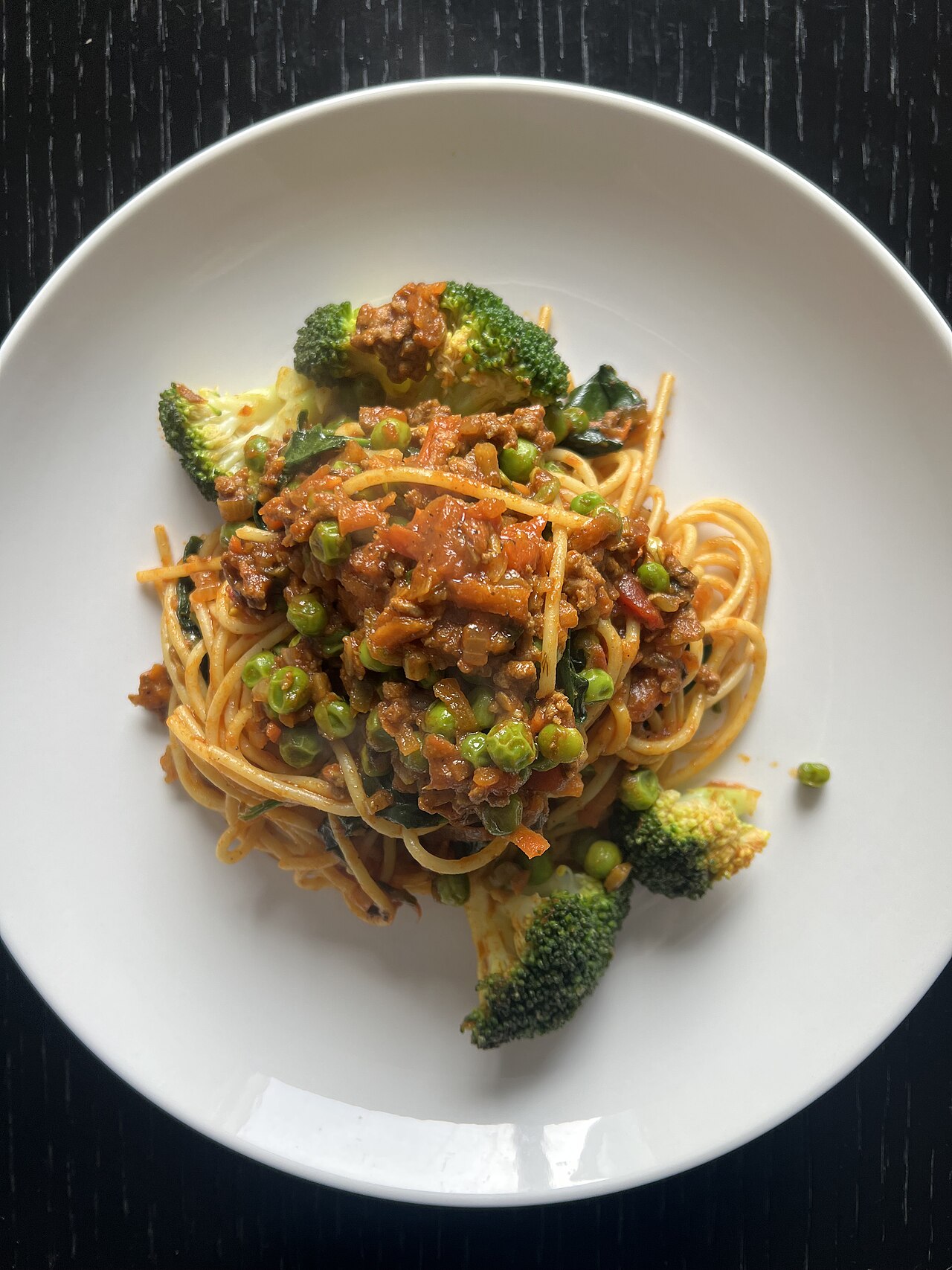

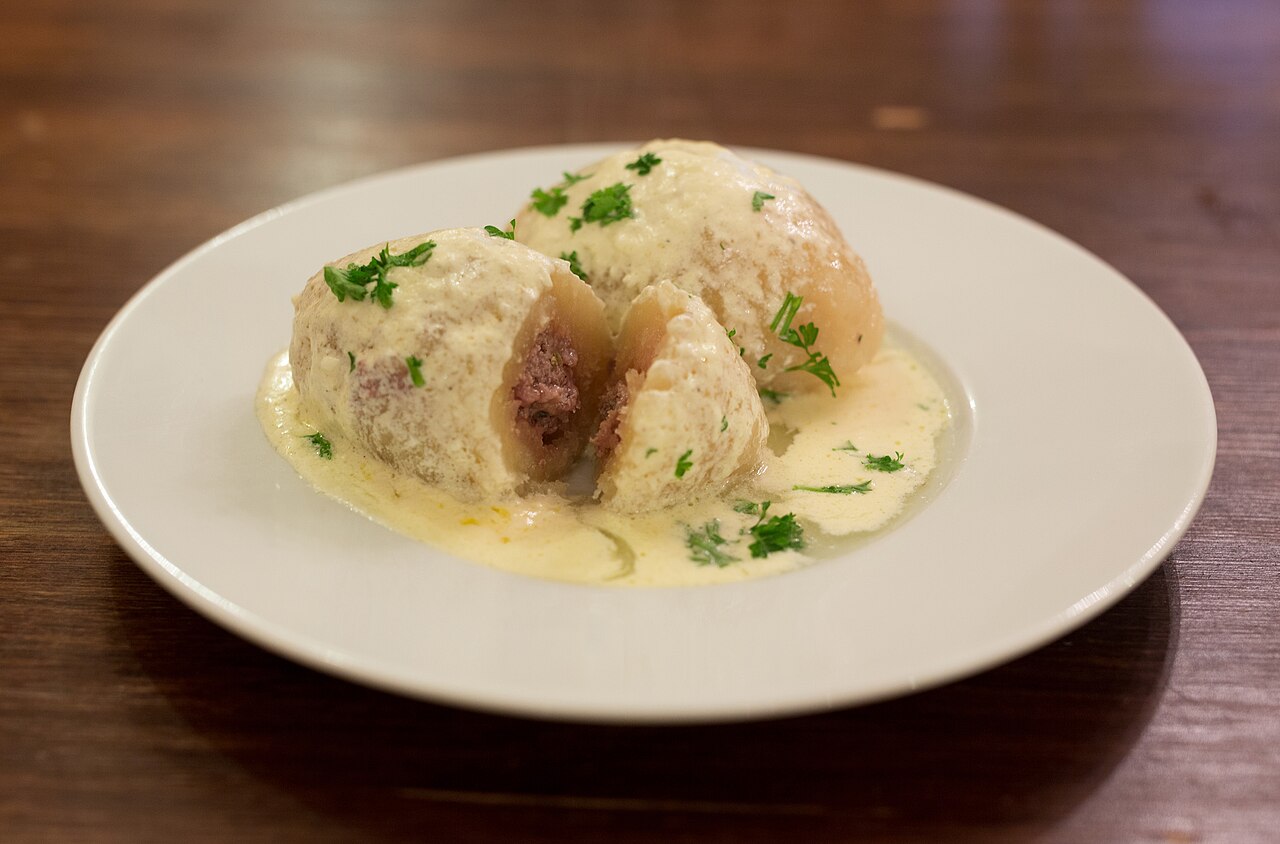

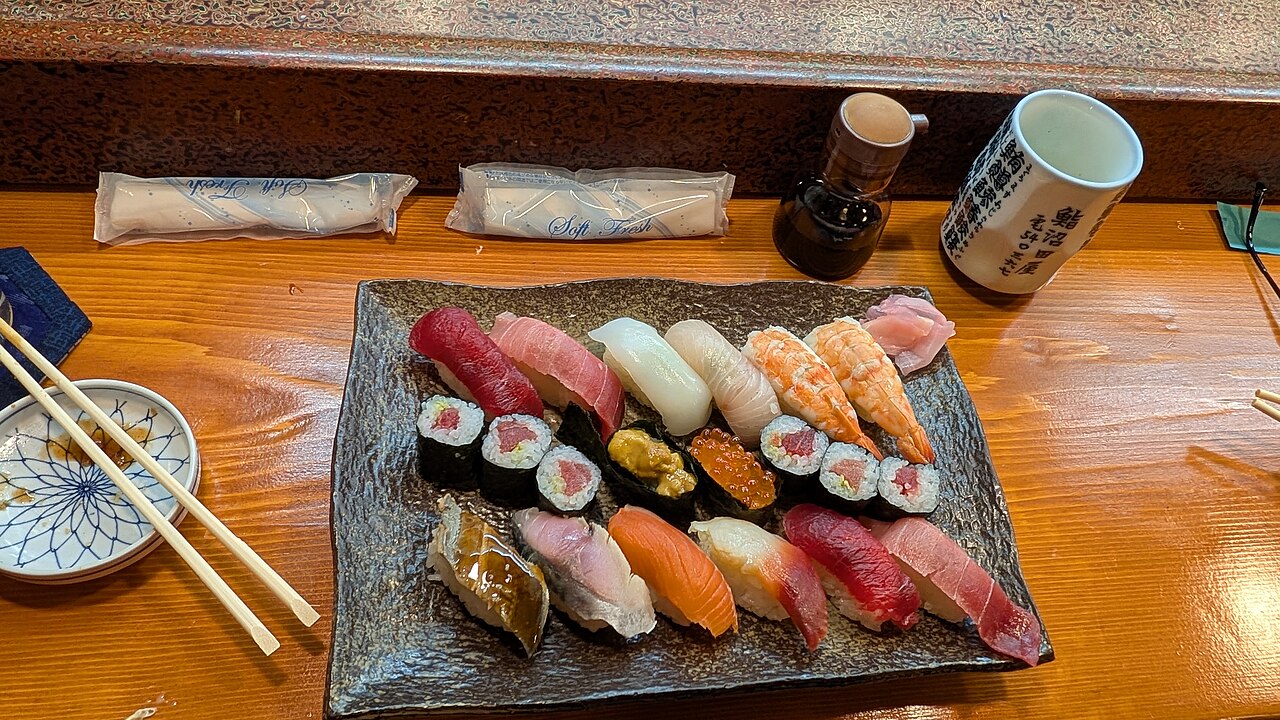

The complete set also included an English breakfast, burger and fries, oatmeal, pancakes, pizza and Caesar salad. Click a photo to open the actual benchmark image. Photo licenses apply to the images, separately from the article.
You send a meal photo to your usual AI assistant. It names the foods, gives you calories and protein, and puts everything in a neat table. It feels like the problem is solved.
But a tidy answer does not tell you whether the portion is right, whether the sauce was counted, or which nutrition entry supplied the numbers. Those are the questions we care about when building KcalSnap.
Our view: a general AI subscription should not automatically be your default food tracker. The useful product is the whole process: estimate, inspect, correct, save, and look back over time. The model is one part of it.
The food name is only the first guess
A photo scan has several opportunities to go wrong. A model can identify the meal correctly and still estimate the wrong portion. A reasonable portion can then be paired with the wrong nutrition entry. The final number inherits both mistakes.
What is on the plate?
Identify foods without missing components or adding ingredients that are not there.
How much is there?
Estimate the portion in grams. A familiar dish name does not establish its weight.
Which nutrition data?
Resolve the food to a suitable entry, then calculate calories and macros for that portion.
Our own code gave us a good example. A search for bolognese sauce could resolve to teriyaki sauce. Improving the vision model would not fix that database match. We changed the matcher to pay more attention to distinctive words, negation and food forms.
That was a useful correction to our thinking: we needed to test the calorie result at the end of the process, not just whether the AI named the food.
Same photos. Same workflow. Different results.
September 3, 2026 run. All numeric calorie results below measure agreement with visually estimated references, not measured nutritional truth. Model names are the API identifiers recorded in our test.
| API model | Within 25% of estimated kcal reference | Median kcal reference deviation | Median time | Extra items |
|---|---|---|---|---|
| gemini-3.1-flash-liteSelected primary in this experiment | 74.1% | 11.4% | 1.3 s | 0 |
| gemini-3.5-flash-lite | 81.5% | 12.7% | 1.4 s | 0 |
| gemini-3.8-flash | 70.4% | 15.2% | 4.0 s | 0 |
| gemini-3.7-flash | 70.4% | 14.2% | 4.4 s | 0 |
| gemini-3-flash-preview | 70.4% | 12.5% | 1.9 s | 6 |
| gpt-5.4-mini | 59.3% | 18.1% | 2.2 s | 5 |
| claude-haiku-4.5 | 48.1% | 30% | 3.8 s | 19 |
| muse-spark-1.3 | 51.9% | 21% | 10.7 s | 4 |
| glm-5.3-flash | 59.3% | 22.4% | 7.6 s | 5 |
| gpt-5.6-sol | 29.6% | 36.3% | 7.4 s | 10 |
Extra items: total model outputs scored as unexpected food items across the 27 runs. This is an automated fixture-based count, not an independent audit of every ingredient. Times cover the initial vision API request. They exclude subsequent USDA lookup, nutrition fallback and phone interaction time.
What happened to the other two models?
anthropic/claude-fable-5.1 and anthropic/claude-opus-5 returned no valid structured outputs in 27 attempts each, according to the run notes. We excluded them from the numeric comparison. This was a compatibility failure with our requested response format, not evidence that those models cannot estimate food nutrition.
Where USDA fits into the calorie count
KcalSnap does not simply ask the vision model for one calorie total. The model returns foods, estimated grams and search terms. We use those terms to look for an appropriate food in USDA FoodData Central, then scale the nutrition values to the estimated portion.
FoodData Central contains several kinds of records, including analytically derived food data, dietary-survey foods and manufacturer label information. It is a useful source, but choosing the right record still matters. A cooked food, a raw ingredient and a sauce with a similar name are not interchangeable.
If our matcher cannot find a suitable entry, the workflow uses an AI nutrition estimate. That fallback is another source of uncertainty. The benchmark includes both routes in the final meal totals; it does not evaluate the vision model in isolation.
For repeatability, the runner caches USDA search results. Barcode lookup through Open Food Facts is a separate app feature and was not part of this photo benchmark.
We did not just pick the highest percentage
Gemini 3.5 Flash Lite had the highest agreement rate with our estimated calorie references, at 81.5%. The primary we selected, Gemini 3.1 Flash Lite, scored 74.1%.
Why choose it? In this small test it found all expected food components, produced no scored extra items, and had a median response time of 1.3 seconds. Its recorded model cost was $0.00074 per scan. We considered those together with portion estimates and calorie deviation.
Those percentages are also fragile. Each model had only 27 runs over nine distinct photos. Repeating a photo is useful for checking consistency, but does not make it a new meal. A small difference here should not be treated as a reliable general ranking.
What you get beyond an answer
The reason to build a dedicated tracker is to make an estimate useful after the first response. KcalSnap combines the scan with food data, corrections and a diary, so you can keep working with the result.
| The tracking job | What KcalSnap adds | Why it helps |
|---|---|---|
| Check the estimate | Editable grams, food matches and text corrections. | You can fix what you know about your meal before saving it. |
| Use food data | USDA nutrition matching and Open Food Facts barcode lookup, with AI estimates when needed. | Use a relevant food record where available. A database match still needs to be appropriate. |
| Keep a daily record | Saved meals, calorie and macro totals, recent foods and repeat logging. | Your next meal builds on the same diary instead of becoming another isolated answer. |
| Follow your goal | Profile-based targets, weight history, progress views and optional Apple Health context. | Review your recorded intake and trends together. These features do not make a scan more accurate or guarantee an outcome. |
A general assistant can help with several of these tasks if you supply the information and maintain the record. Our case for KcalSnap is that the workflow is already there, designed around the meals you log every day.
How we tested, and what comes next
We used nine food photos and ran each of 12 API models three times, in English, with our production scanning request. The recognized foods passed through our nutrition matcher and AI nutrition fallback. We compared the resulting meal calories with reference totals built from estimated portion weights and reference nutrition densities.
- Prepare a shared reference. Each photo has expected food components, visually estimated gram ranges and reference nutrition values per 100 g. The reference meal total uses the midpoint of each gram range. It is an estimated yardstick, not a measured nutrition reference.
- Run the same request. Each API model receives the same photos and our production scanning request in English, with three attempts per photo. We require structured output so the foods can pass through the tracker.
- Resolve the nutrition. The runner applies our USDA matcher and AI nutrition fallback to the model's food queries. It multiplies the resulting per-100 g values by the estimated grams and sums the meal.
- Compare the totals. A run counts as within tolerance when its calories are within 25% of the estimated reference. The table reports the proportion of runs meeting that threshold and the median percentage deviation. Neither is a measured real-world accuracy score.
We also scored expected-food recall, portion ranges and unexpected items, and recorded timing and cost. For choosing a usable model, we set a median-time limit of five seconds and a 95th-percentile limit of 15 seconds. Those were product choices, not scientific thresholds.
For now, the finding is narrower and still useful: model choice changed the results substantially in our workflow, and the code around the model mattered too. We want a tracker that makes its estimates easy to inspect, correct and use consistently. That is the work we are doing.
Source material: recorded benchmark results and reference-meal methodology notes. This is an internal development benchmark written up by the app's builder, not an independent product evaluation.
Make the estimate yours.
Scan a meal. Check the portions. Keep the diary.
Free for iPhone, in English and Lithuanian.